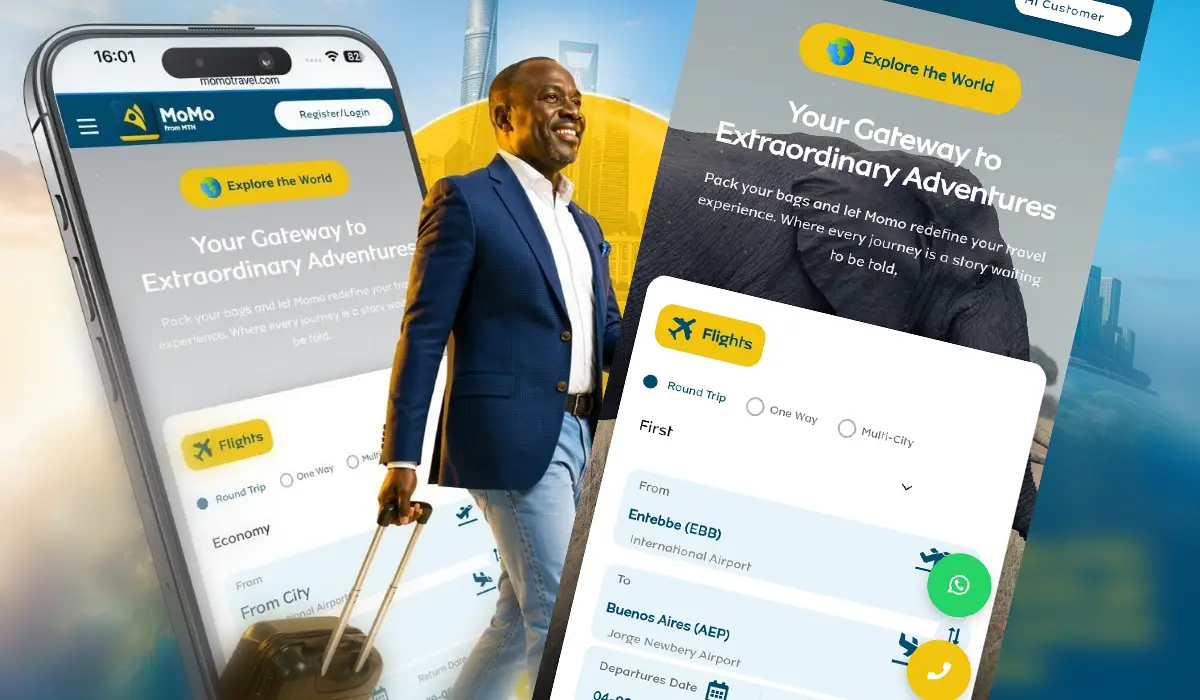
MTN MoMo from MTN Uganda has introduced Travel by MoMo, a new service that allows Ugandans to search, compare, and book flights directly from the MoMo app without visiting a travel agency or using a bank card.
Developed in partnership with Next Travel, the service allows MTN users to pay for air tickets using MTN Mobile Money while viewing fares in Uganda shillings.
If you’re planning your next trip, here’s how to book your flight using the MTN MoMo app.
Step 1: Open the MoMo App
Launch the updated MTN MoMo app on your smartphone and sign in.
From the home screen, tap Buy, then select Travel, followed by Travel by MoMo.
Step 2: Register or Log In
Before booking your flight, tap the Register/Login button in the top-left corner. You can create a Travel by MoMo account by entering your full name, date of birth, passport number, passport issuing country, and a password.
Creating an account is optional; you can continue as a guest, although registering can make future bookings easier.
Step 3: Enter Your Travel Details
On the Travel by MoMo booking page, enter your travel information, including trip type (One-way, Round trip, or Multi-city), departure and destination cities, travel dates, number of travellers, and Cabin class (Economy, Premium Economy, Business or First Class).
Once you’ve entered your details, tap Search to view available flights.
Step 4: Compare Available Flights
Travel by MoMo will display flights matching your search. Depending on your route, you may find airlines such as Uganda Airlines, RwandAir, Qatar Airways, and other regional and international carriers.
Here you can compare ticket prices, departure and arrival times, flight durations, number of stops, and refund options. Airlines with refundable and non-refundable tickets are marked.
Step 5: Choose your Flight
Once you find a flight that suits you, tap Book Now below your preferred airline.
You will then be required to provide your email address (email ID) and phone number if you did not create a Travel by MoMo account.
Step 6: Pay Using MTN MoMo
Keep MTN MoMo selected as your payment option, accept the terms and conditions, then tap Continue.
You’ll receive a Mobile Money payment prompt on your phone. Enter your Mobile Money PIN to authorise the payment.
Once the transaction is successful, your booking will be confirmed, and your e-ticket will be sent to your email.
Need Help with Your Booking?
If you run into any issues while booking, the Travel by MoMo page includes both WhatsApp and Call buttons for direct customer support.