
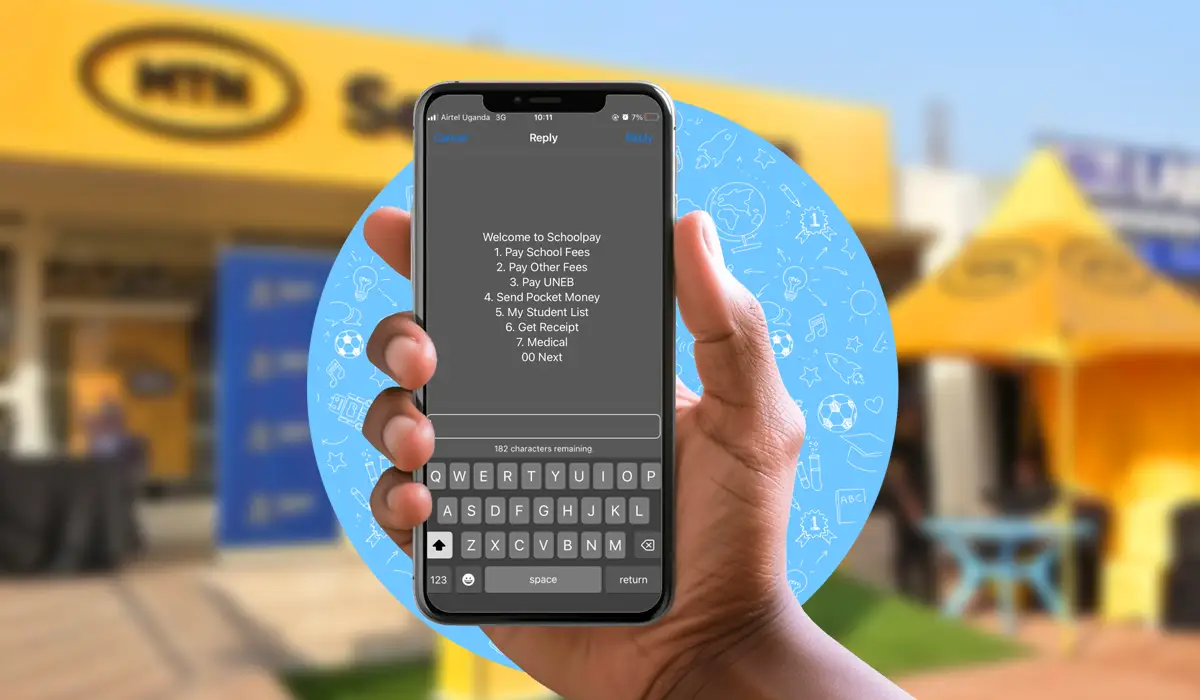
How to pay school fees using MTN MoMo in Uganda
School Pay using MTN USSD code
Dial *165#
Select 4 (Payments)
Select 3 (School Fees)
Select 1 (School Pay)
Select 1 (Pay School Fees)
Enter the student’s School Pay code provided by the school
Enter the Amount
Enter your MTN Mobile Money PIN to confirm payment.
School Pay using the MoMo from MTN App
Open the updated MTN MoMo App and tap the “Pay” section on the home screen.
Select “School Fees,” and tap “SchoolPay”
On the School Pay page, select Bill Type as “Pay School Fees”
Enter the student’s School Pay code, tap “Next” and enter the amount.
Tap “Pay” and enter your Mobile Money PIN to confirm.
Once the payment is confirmed, you’ll receive an SMS with a link to the PDF receipt. It is advisable to download and keep the receipt for any future reference.
Airtel Money School Pay Charges
| Amount (UGX) | Charges (UGX) |
| 500 – 2,500 | 110 |
| 2,501 – 5,000 | 150 |
| 5,001 – 15,000 | 550 |
| 15,001 – 30,000 | 650 |
| 30,001 – 45,000 | 750 |
| 45,001 – 60,000 | 850 |
| 60,001 – 125,000 | 950 |
| 125,001 – 250,000 | 1,050 |
| 250,001 – 500,000 | 1,300 |
| 500,001 – 1,000,000 | 3,350 |
| 1,000,001 – 2,000,000 | 5,750 |
| 2,000,001 – 4,000,000 | 5,750 |
| 4,000,001 – 7,000,000 | 5,750 |
Last update: 21 June 2026.
Source: mtn.co.ug
Besides school fees, School Pay also supports other school-related payments, including UNEB fees, tour and prom fees, and students’ pocket money.