
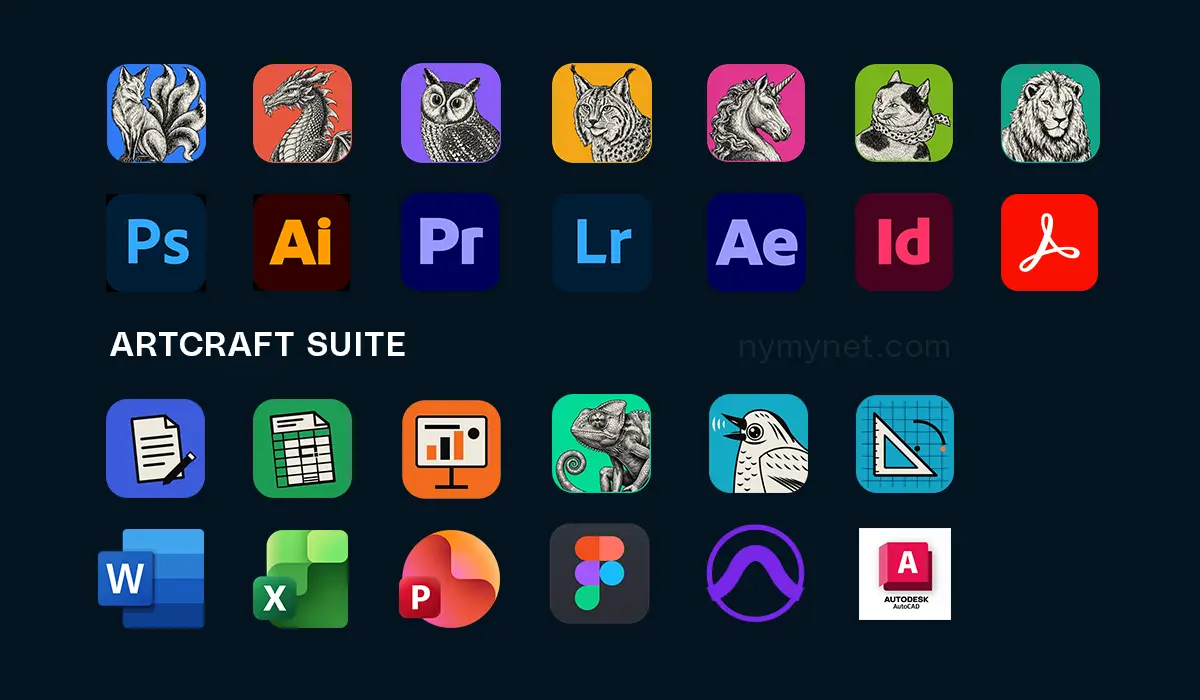
Available for Windows, Mac and web browsers, open-source ArtCraft has become a hot topic. And you, my friend, are probably wondering what all the fuss is about. How do you get your hands on these apps, and what should you know before installing them? Based on what I’ve learnt so far, here are my two cents…
ArtCraft is a free open-source suite of creative and productivity apps designed as alternatives to Adobe Creative Cloud and Microsoft Office.
How to Download & Install ArtCraft (Latest Version)
The easiest and safest way to get started is to visit getartcraft.com or the official ArtCraft GitHub repository and download ArtCraft Launcher.
Think of ArtCraft Launcher as Adobe Creative Cloud: a central dashboard for downloading, launching and updating the apps. The difference? ArtCraft is lightweight. The launcher file is 8 MB and grows to about 21 MB when installed, although sizes may vary between subsequent releases.
Once you’ve installed the launcher, things are fairly self-explanatory. Choose the apps you want, install them and get started.
What You Should Know Before Downloading ArtCraft
#1. Download ArtCraft Launcher, not Individual Apps
Although individual apps, such as PhotoCraft (a Photoshop alternative) and WordCraft (a Microsoft Word alternative), also have their own installers, the all-in-one ArtCraft launcher makes it easier to install and update multiple apps without downloading each manually. Since the ArtCraft suite is still new and actively being developed, regular updates are important.
#2. Requirement of 8 GB RAM & 2GB Storage?
One of ArtCraft’s biggest attractions is its smaller installation size compared with Adobe apps. However, actual hardware requirements for RAM and CPU usage vary depending on the application, the file’s complexity and the task being performed.
#3. ArtCraft Compatibility with Adobe & Microsoft Apps
Another benefit of ArtCraft is a consistent interface. If you are familiar with, say, Adobe Illustrator or Microsoft Word, you will find that their alternatives (clones), VectorCraft and WordCraft, use the same controls and keyboard shortcuts.
File Compatibility
ArtCraft apps can also open and read their corresponding files (native file formats) from the Adobe Creative Cloud suite, and vice versa. However, compatibility may vary depending on the software versions you are using.
Third-Party Plugins & Extensions
Currently, ArtCraft applications are not compatible with Adobe-supported third-party plugins and extensions such as Mr Horse, Aescripts, Red Giant, Nik Collection.… However, this may change as development continues.
#4. Legally Free Software
All ArtCraft apps are free and open source. If you’ve been relying on cracked Adobe and Microsoft software, the ArtCraft suite gives you a legitimate, up-to-date alternative without an Adobe subscription.
An open-source app is software whose source code is available for anyone to view, improve or modify, rather than being kept secret by its creators.
However, don’t uninstall Adobe apps just yet. ArtCraft is still developing, and some features may be missing, work differently or need further refinement. Test the tools you use regularly, open your existing projects and check that everything works as expected before switching.
Who Should Use ArtCraft Apps?
If you’ve been using cracked Adobe Creative Suite or Microsoft Office software, this is for you.
If you’ve been limited to older Adobe software because of an outdated or low-end PC, ArtCraft offers alternatives that replicate the latest Adobe apps without demanding the same hardware resources.
If you’re a multitasker with a high-end PC but want to save on app installation size, RAM and CPU usage, ArtCraft is a good lightweight option.
However, if your work depends on advanced editing tools, specialised effects, third-party plugins or established professional workflows, test the relevant ArtCraft apps thoroughly before crossing.
ArtCraft is built around local file processing and user privacy, and it does not offer the same built-in cloud storage and syncing integration as Adobe Creative Cloud and Microsoft OneDrive. If you rely on automatic cloud storage, you may need alternative file-sync methods.
ArtCraft Alternatives to Adobe, Microsoft, and other Apps
Below are some of the ArtCraft applications and their Adobe and Microsoft counterparts. The collection is still growing, with tools extending into areas such as audio production with SoundCraft (an Avid Pro Tools clone), computer-aided design with CADCraft (an Autodesk clone), and web design with FigCraft (a Figma clone). It won’t be long before ArtCraft launches its own open-source alternative to Windows!
Adobe Alternatives by ArtCraft
PhotoCraft: Adobe Photoshop for image editing
VectorCraft: Illustrator for vector graphics
FilmCraft: Premiere Pro for video editing
LightCraft: Lightroom for photo management and RAW processing
EffectCraft: After Effects for motion graphics and visual effects
DesignCraft: InDesign for page layout and publishing
PdfCraft: Acrobat for PDF tools.
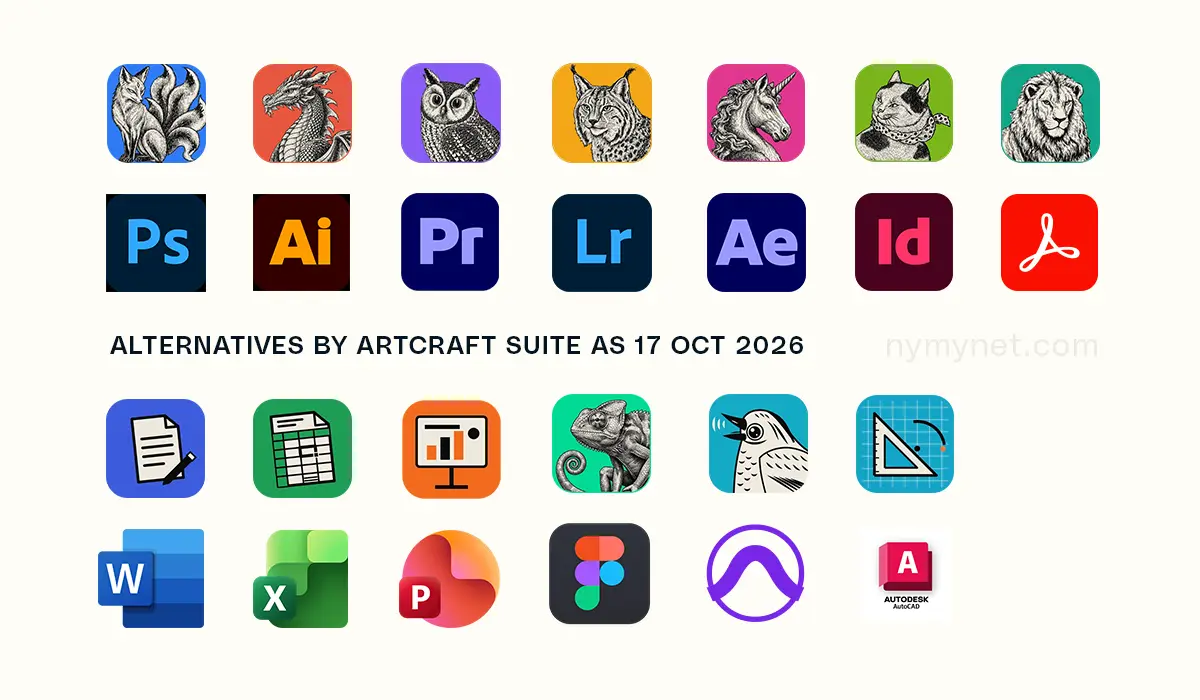
Microsoft Office Alternatives by ArtCraft
WordCraft: Microsoft Word for word processing
GridCraft: Excel for spreadsheets
DeckCraft: PowerPoint for presentations
DesignCraft: Publisher for desktop publishing.
Is ArtCraft ready to replace Adobe and Microsoft? The verdict is yours, dear friend… let me know in the comments.