
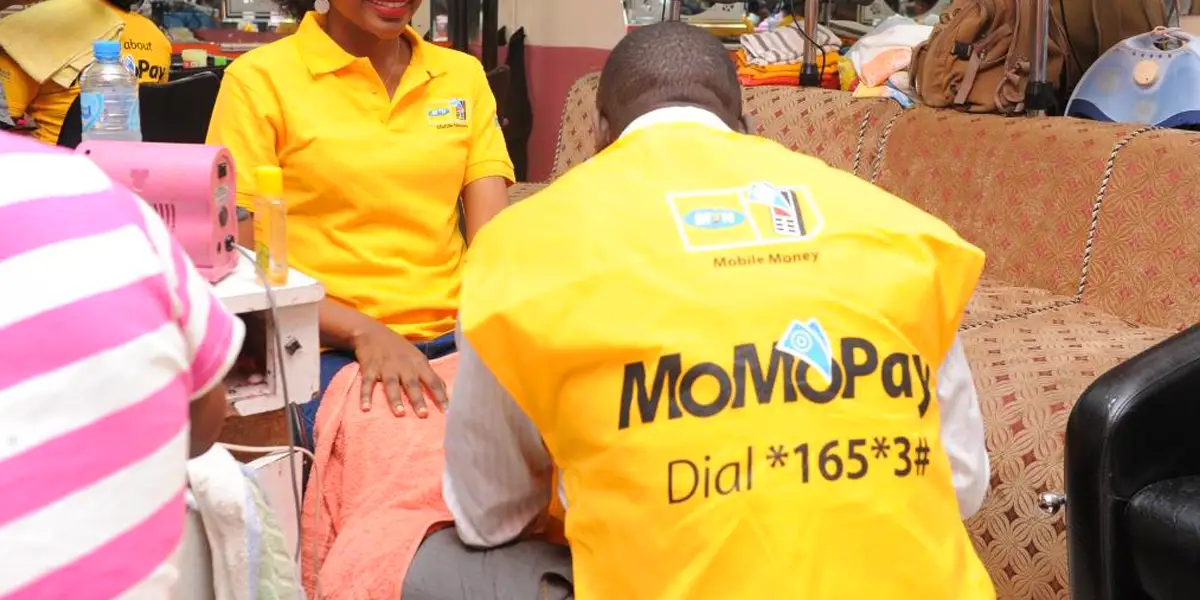
Still reading out your personal number to customers every time they want to pay you? MTN Uganda solved this with the MTN MoMoPay Merchant Code system, also known as My Business Wallet, Till Number or simply MTN Merchant.
With an MTN MoMoPay Merchant account, businesses and companies of all sizes can receive, transact, and keep business money separate from personal mobile money wallets.
This guide walks you through the steps to register for an MTN MoMoPay Merchant account; explains the difference between Formal and Informal merchants; outlines the exact requirements you need before applying; and explains how to activate and use your merchant code once approved.
#1. How To Get an MTN Merchant Code (Informal Merchant)
Informal merchants are generally intended for small and medium businesses, such as clinics, boutiques, restaurants, retail shops or food vendors. These Nano accounts have a wallet capacity capped at UGX 20 million, with a maximum single-transaction limit of UGX 5 million. These limits are the same as those for a regular MTN Mobile Money account.
Nevertheless, you can register for an Informal MTN MoMo Merchant account yourself in under 5 minutes. Be sure you don’t have any unpaid debts on your line.
Using USSD Codes
Dial *165*17# or *155# on your MTN Uganda line.
Select option 1 (Proceed)
Select the Nature of Business from the options:
1) Restaurant/Hotel
2) Health
3) Supermarket & Retail
4) Agriculture
5) Hardware & Spare Parts
6) Boda Boda
7) Other (enter the nature of your Business if not listed).
Enter your mobile money PIN to accept the MoMoPay Terms and Conditions.
Account creation will be confirmed with an 8-digit merchant code/ID sent to you via SMS inside the “MTNMobileMoney” message thread.
Using the MTN MoMo Onboarding Site
You can also register an informal MTN MoMoPay Merchant through the MTN MoMo Business Onboarding Portal website. Select Informal business > Individual to fill out details.
Unlike the USSD option, this method requires more information, including copies of the front and back of your National ID, your Passport/NIN number, email address and physical address.
#2. How To Get an MTN Merchant Code (Formal Merchant)
Corporate/Formal MTN MoMo Merchants are designed for registered businesses, companies, institutions, and high-volume businesses. Formal Merchants are ideal for entities transacting over UGX 5 million per transaction, with the capacity to process and hold volumes above UGX 20 million.
While you can also register a Formal Merchant via the MTN MoMo Business Onboarding Portal, we recommend contacting MTN Uganda or MTN MoMo directly for clear guidance through the registration process.
You can contact them through their official channels or via MTN WhatsApp (+256772123100), explicitly stating your intent to register for a Formal MTN MoMoPay account. In some instances, you may be required to fill out a Google form.
An MTN representative will then contact you, verify their identity, and guide you through the steps. You will be required to submit a copy of the following, or more, supporting documents:
Certificate of Incorporation
Company Form 18
Company Form 20
TIN certificate
Trading licence
Proof of a Business bank account.
You’ll also need to provide a screenshot confirming payment of the company “Search Fee” of UGX 25,100. Rest assured, your assigned MTN representative will walk you through exactly how to make this payment.
Once your application is fully processed (usually within 24 to 48 hours), you will be requested to visit the MTN MoMo Headquarters in Kampala, or your nearest upcountry service centre, to pick up a brand-new corporate SIM card registered under your company’s name.
Activating Corporate/Formal MTN MoMo Merchant Account
Insert the newly issued corporate SIM card into your phone, dial *155#, and follow the prompts to activate your formal MTN MoMoPay Merchant account. Use *155# or *165*3# to manage your Formal Merchant Account.
Once activated, you’ll receive a confirmation SMS with your 6-digit MoMoPay merchant code/ID.
Other MTN MoMo Merchant? Follow the Formal Merchant steps to get a merchant account for an NGO, church, charity, or SACCOS.
